

Mobility, Perception) that survives across the schemas and instances that come and go beneath it.
For example, a Mobility config type houses configs related to the robot’s motion while a Perception config type houses configs related to the robot’s perception. Each config type has its own versioned schema, which its config instances must adhere to depending on the release they are deployed under.
Properties
string
A human-readable display name that can contain most characters, such as spaces, special characters, and punctuation. Must contain between 1 and 48 characters.Examples:
Mobility, Safety Features, Perceptionstring
A unique, code-friendly identifier for a config type.Slugs are immutable and must satisfy the following constraints:
- Contain only lowercase letters, digits, and hyphens (
-) - Start and end with a lowercase letter or digit
- Contain between 1 and 48 characters
mobility, safety-features, perceptionView a config type
To view your workspace’s config types, navigate to the Config Types page.Create a config type
Navigate to the Config Types page and click New Config Type in the top right corner.

Edit a config type
Navigate to the Config Types page, click the ellipses (…) on the config type you want to edit, and hit Edit.

Archive a config type
Archiving a config type retires it from future releases. While a config type is archived: Existing schemas, releases, and deployments that use the config type are not affected, and devices keep their current config instances. An archived config type can be unarchived at any time. To archive a config type, click the ellipses (…) on the config type and select Archive.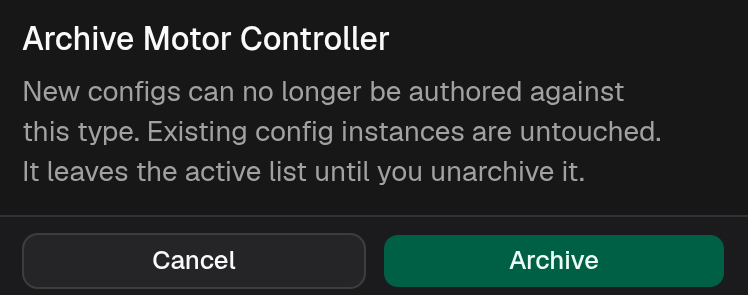
Unarchive a config type
Unarchiving removes the archive restrictions placed on it, allowing releases and schemas to be created with it again. To unarchive a config type, click the ellipses (…) on the archived config type and select Unarchive.Delete a config type
Deleting a config type is irreversible. Once a config type is deleted, it cannot be recovered. Deleting a config type is only possible if there are no config instances for that config type. If a config type cannot be deleted, try archiving it instead. To delete a config type, click the ellipses of the config type you want to delete and select Delete.